
1 Tool 1 Week · #01
Lab Report Builder.
Raw lab results in. A clear, patient friendly report out.
Lab results arrive as dense, multi page PDFs full of codes, units, reference ranges, and H and L flags. Clinics then rewrite them by hand. This tool does the rewrite: upload the PDF, review, and download a branded A4 report ready for the patient.
Watch on YouTube
Built with a modern, owned stack
- Next.js
- TypeScript
- React
- Expo
- Tailwind CSS
- Supabase
- Neon
- PostgreSQL
- Medusa
- Stripe
- Resend
- FastAPI
- Cloudinary
- Node.js
- Vercel
- Next.js
- TypeScript
- React
- Expo
- Tailwind CSS
- Supabase
- Neon
- PostgreSQL
- Medusa
- Stripe
- Resend
- FastAPI
- Cloudinary
- Node.js
- Vercel


What it does
Four steps, one clear report.
Upload
Drop in a lab report PDF. It is read in the browser and never uploaded. No report to hand? Use the fictional sample blood panel.
Review & comment
Every result is sorted into a clinical category with a plain English note. The clinician edits values, flags, and notes, and writes a personal summary.
Preview
The finished report is laid out at A4, page by page, exactly as it will print.
Download
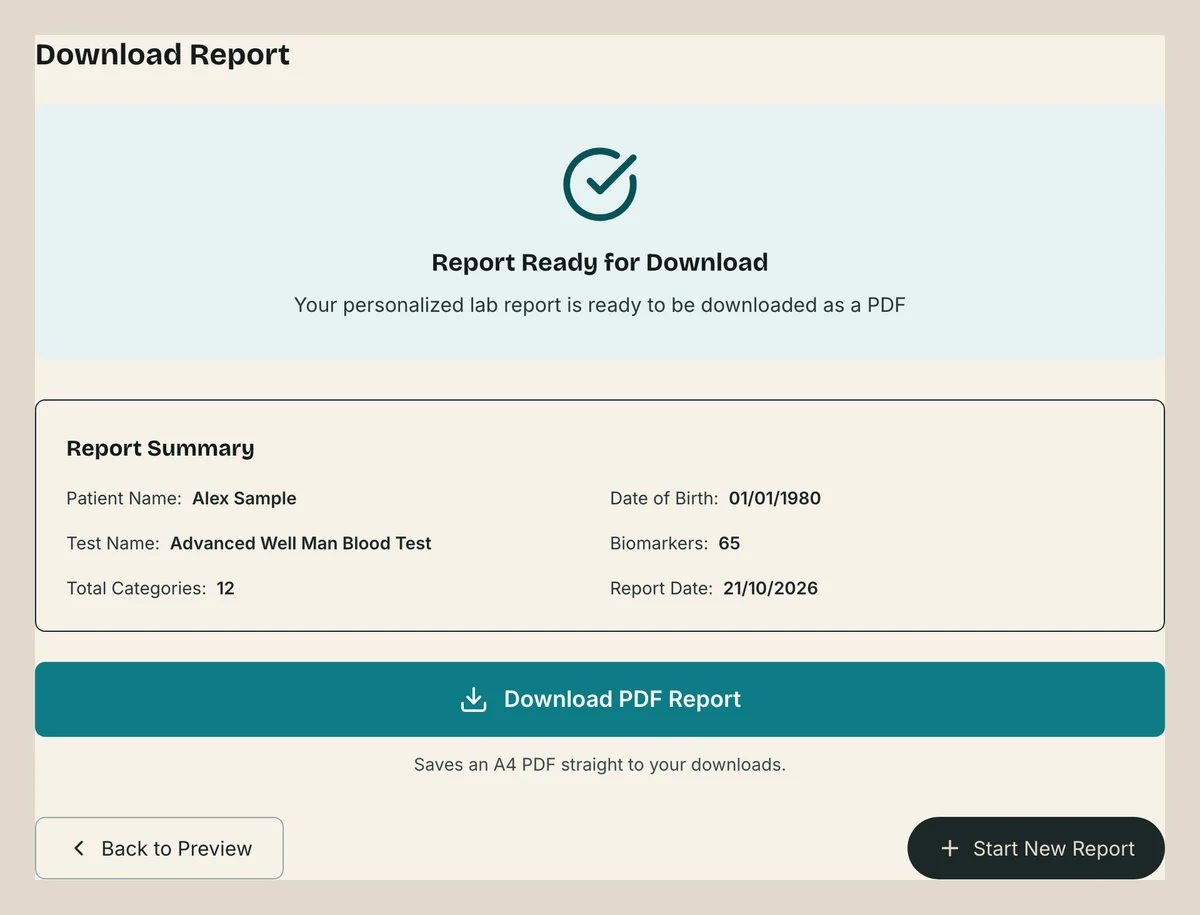
One click saves an A4 PDF, ready to send to the patient.
The finished report
Built for the patient.
Every report follows the same structure. Flags keep their clinical colours so they read at a glance. Everything else follows the clinic's brand.
 (opens full size in a new tab)
01
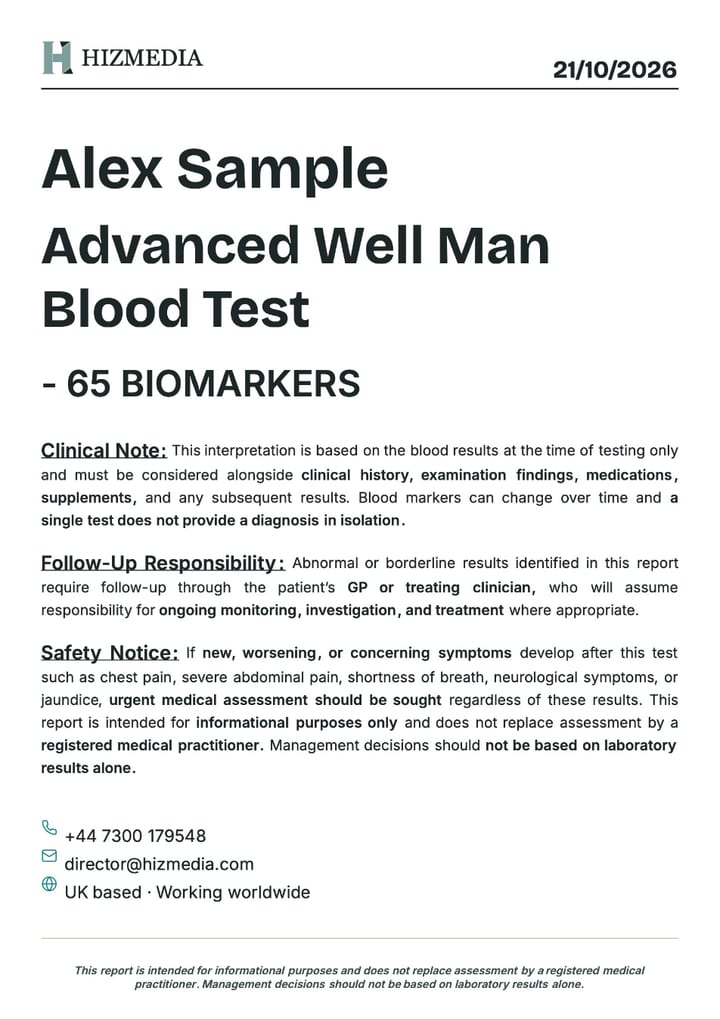
Cover page
Patient name, test name, biomarker count, date, and a clinical safety notice.
 (opens full size in a new tab)
02
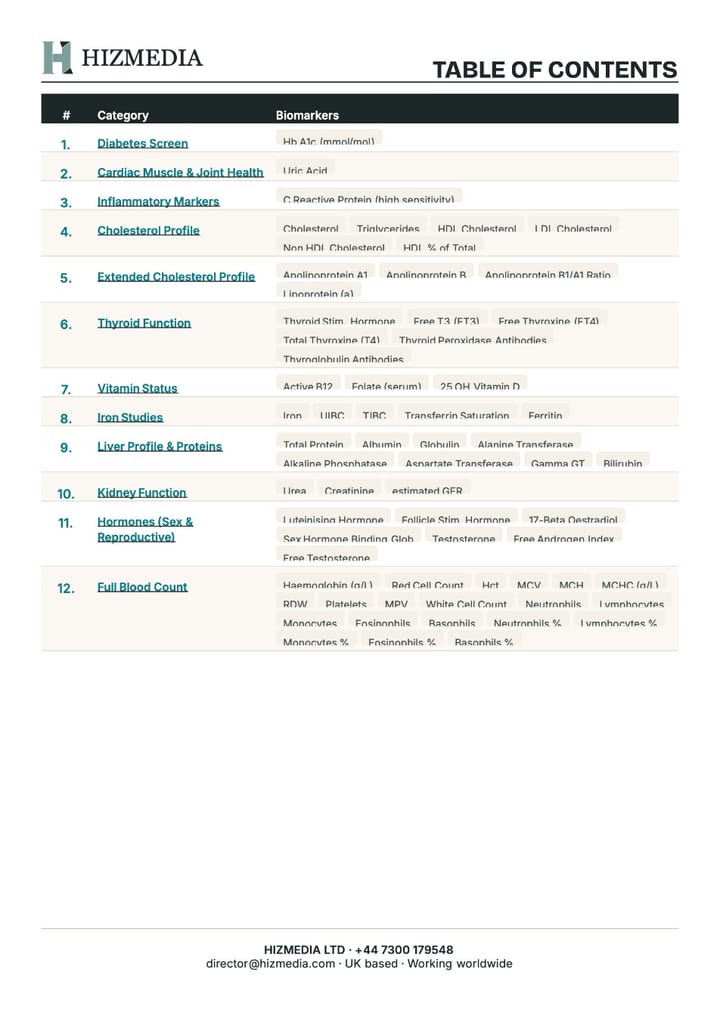
Contents
Each category with its biomarkers listed as chips, linked to its page.
 (opens full size in a new tab)
03
Personal summary
The clinician's notes on results outside the expected range. Optional.
 (opens full size in a new tab)
04
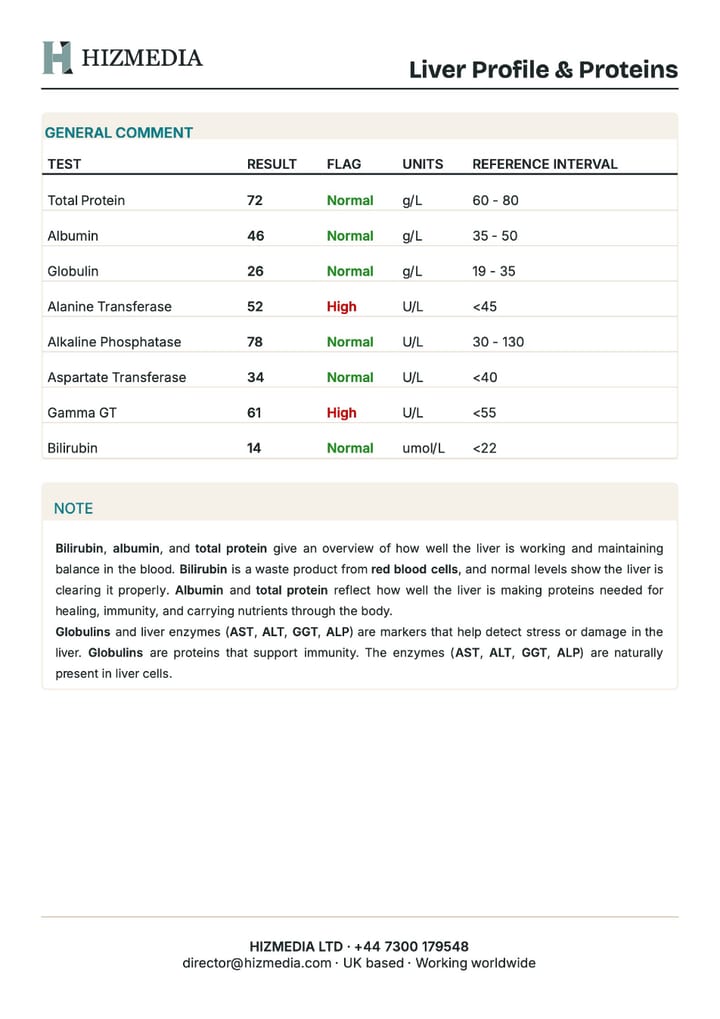
A page per category
A results table (test, result, flag, units, reference range) followed by the category note, with biomarker names bolded automatically.
 (opens full size in a new tab)
05
Continuation pages
A long note flows onto a "Note (continued)" page with the same header and footer.
See it for yourself · download the before and after
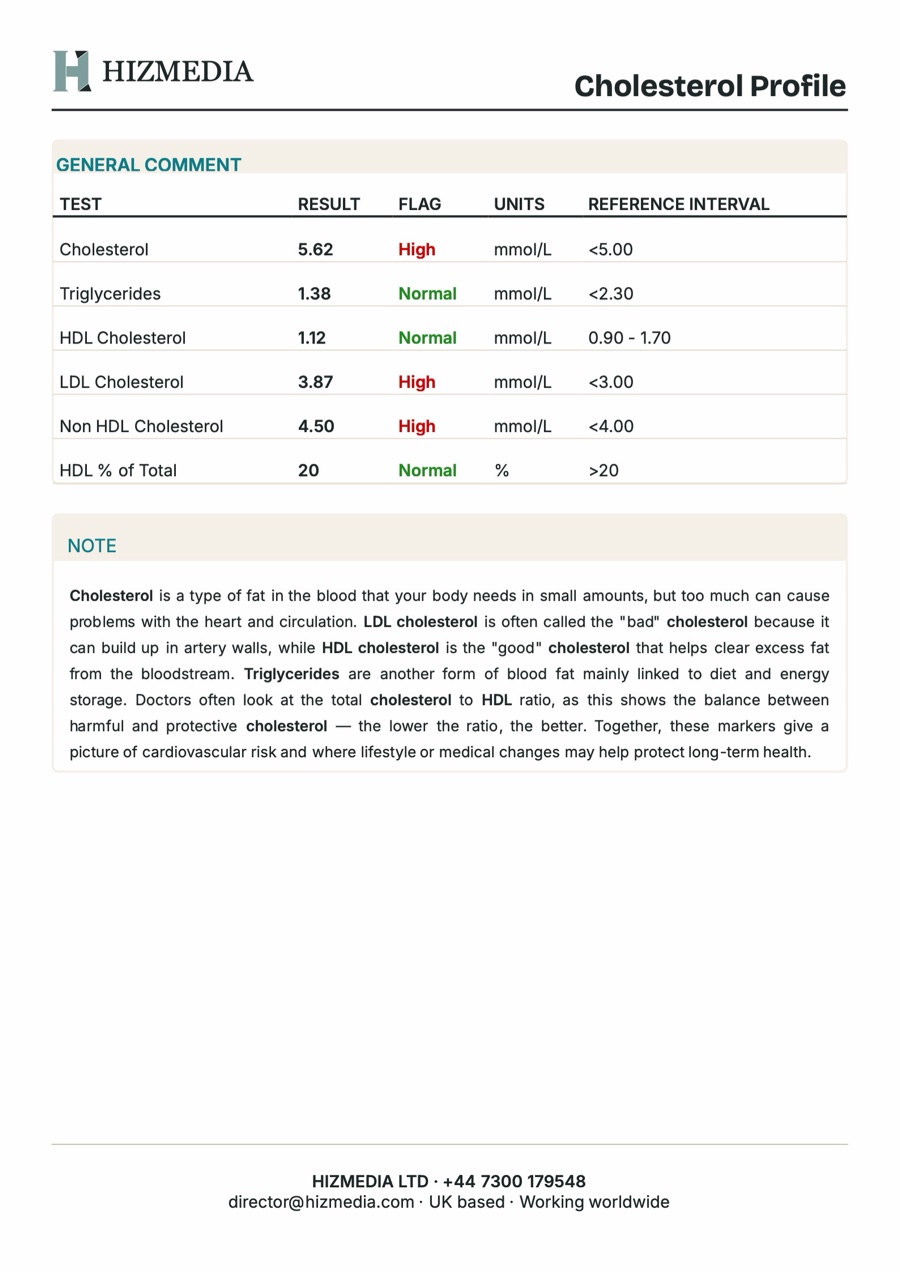
 Before
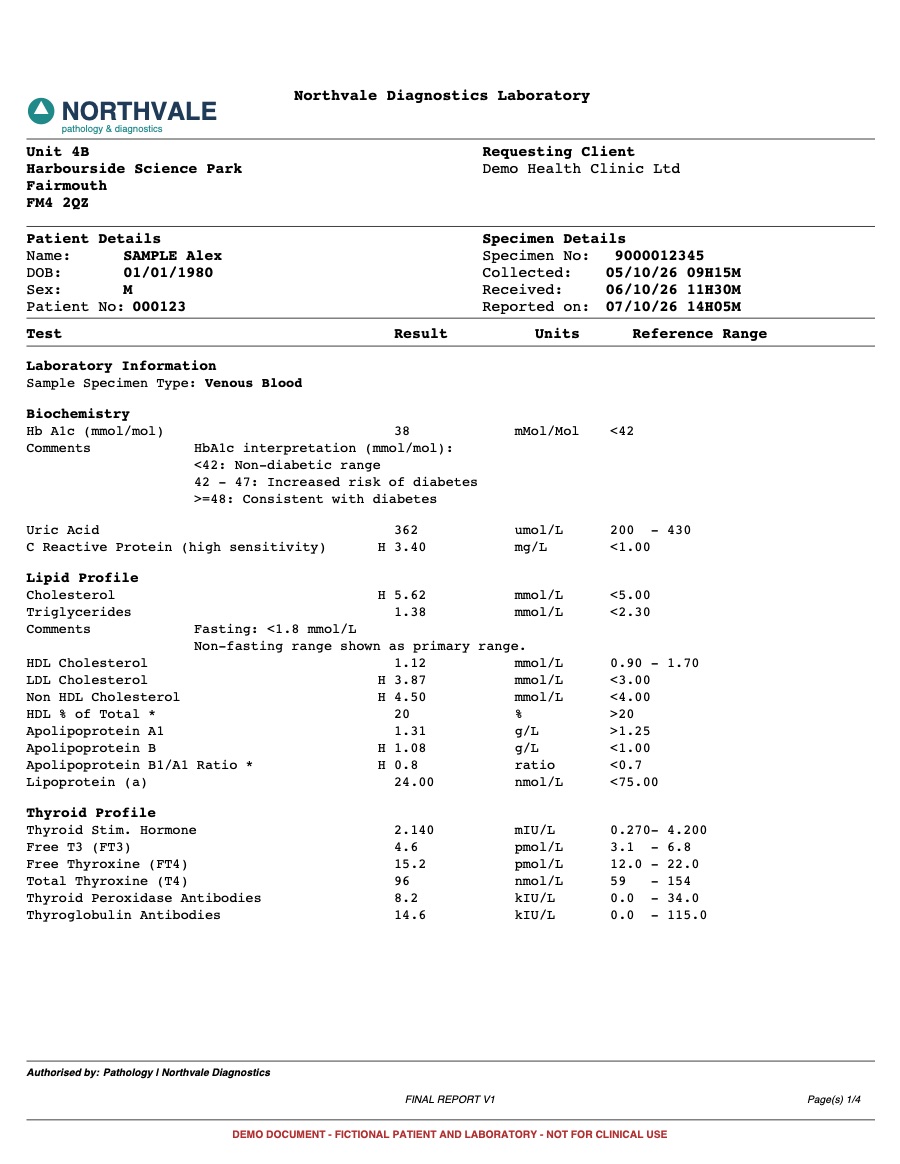
The raw lab report
Four pages of codes, units, reference ranges, and H and L flags from Northvale Diagnostics, a fictional lab.
 After
AfterThe finished report
The same results, sorted into 12 categories with plain English notes, a personal summary, and clear flags.
Fictional patient and laboratory, made for demonstration only.
Under the hood
All in the browser. Nothing uploaded.
Stage 1
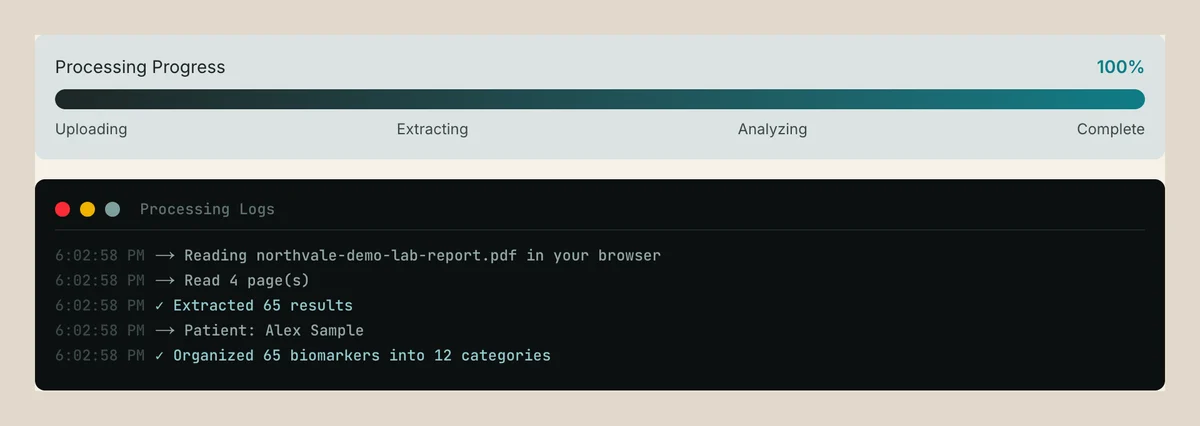
Extracting the results
pdf.js reads the PDF in the browser. The parser groups words into printed lines, finds the Test, Result, Units, and Reference Range columns, and reads every row by column. An H or L beside a result becomes a High or Low flag. Headings and lab comments are skipped, even when they contain numbers.
Stage 2
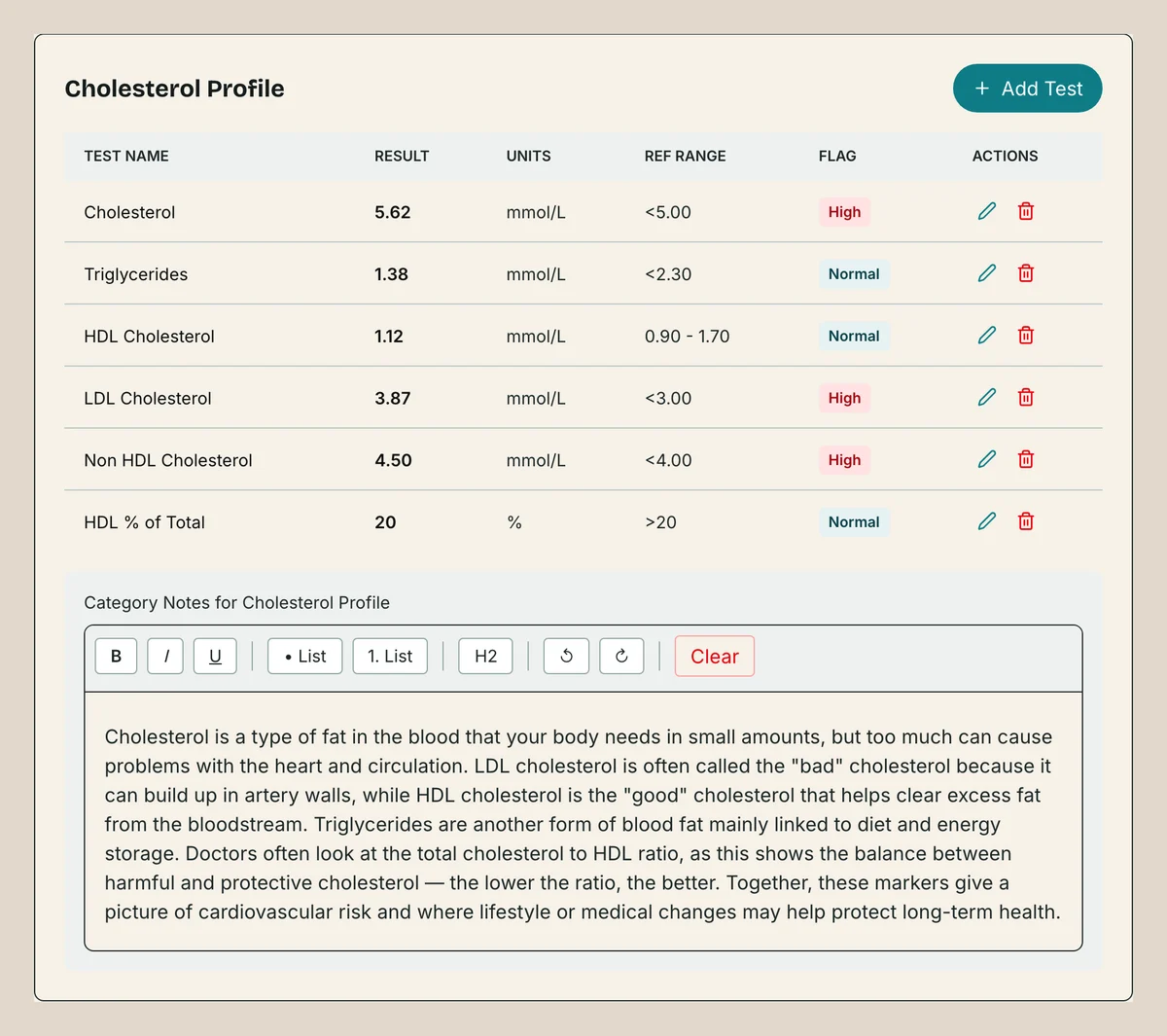
Categorising
Labs name the same test in different ways: ALT, Alanine Transaminase, and Alanine Transferase are one test. A lookup of 211 name variants maps each result to one of 18 categories, with a partial match fallback and an Other bucket that always goes last.
Stage 3
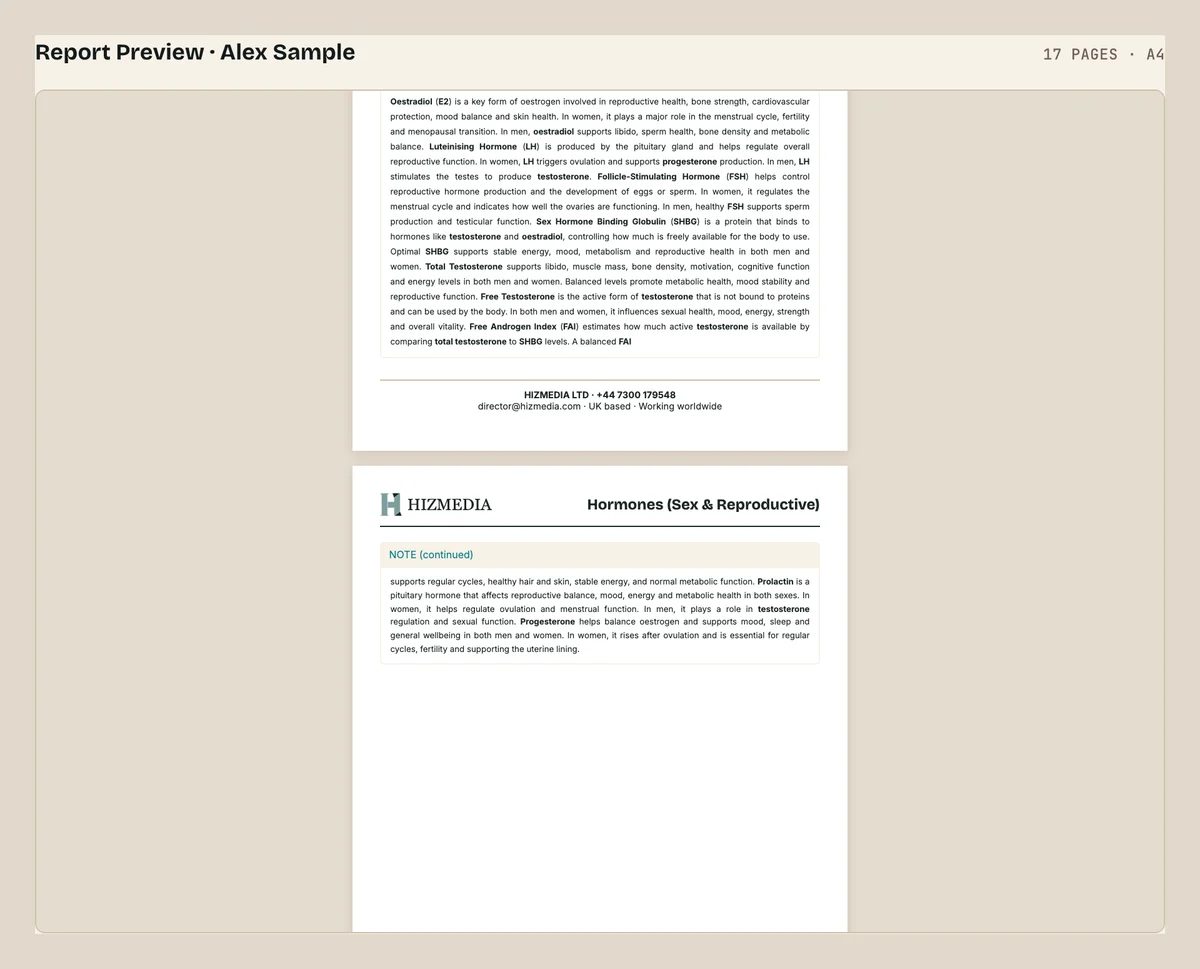
Paginating
The hard part. The report renders into a hidden A4 iframe and each page is measured as the browser actually laid it out. Notes that overflow are split at paragraphs, then by binary search on the text, then back to the nearest sentence end, so nothing is cut mid line.
Stage 4
Downloading
Each page is drawn at twice screen resolution and placed one per A4 page in a PDF that goes straight to downloads. No print dialog, so every browser gets exactly the pages in the preview.
Stage 5
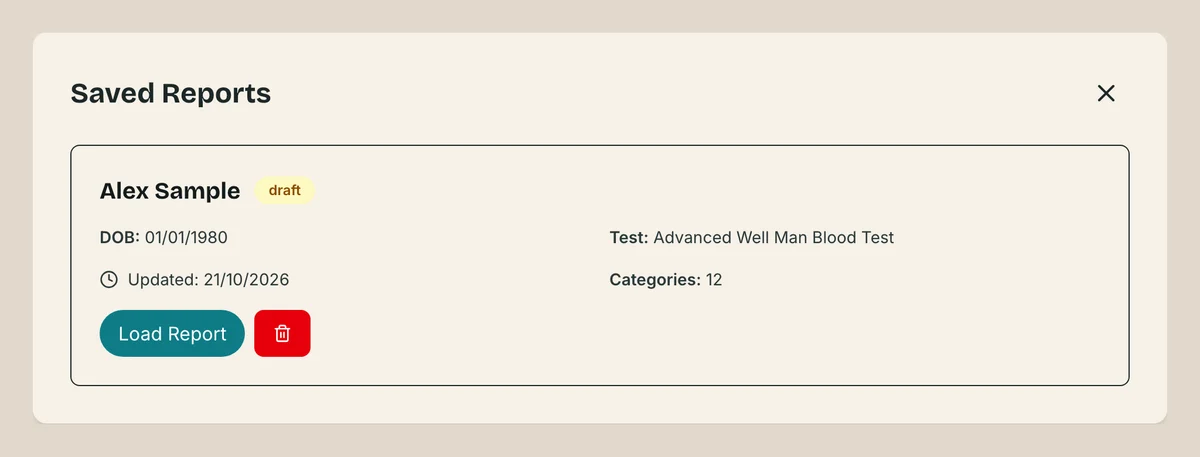
Saving
Reports autosave every 2 seconds to the browser's own storage. Nothing leaves the device: no server to pay for and no patient data held anywhere.
Then and now
From client system to free demo.
The tool started life as a production system for a UK health client, then was rebuilt to run on its own at zero cost.
Then
Production system
Now
Free demo
Access
Then Supabase loginNowOpen, no login
PDF parsing
Then
 Datalab API via FastAPINow
 pdf.js in the browser
PDF rendering
Then
 Puppeteer on AWS LambdaNowh2cjsPDFhtml2canvas and jsPDF, same pagination code
Saved reports
ThenSupabase databaseNowBrowser storageMonthly cost
ThenPaid per page parsedNow£0
Built with
 Next.js 16
 React 19
 TypeScript
 Tailwind CSS 4
 Lexical
- pdf.js
- h2chtml2canvas
- jsPDFjsPDF
 Vercel
Free · No login · Nothing uploaded
See it on a real report.
Load the fictional sample or drop in your own lab PDF. It all runs in your browser, start to finish.
Further reading
The thinking behind it.
How to explain blood test results to patients
A lab report is written for clinicians, not patients. Here is how to turn rows of codes and ranges into something people actually understand.
Read the guideComparisons · 5 min readRewriting lab reports by hand vs automating it
Many clinics still retype lab results into their own report template. Here is what that really costs, and what automating it looks like.
Read the guideGuides · 5 min readHandling patient data without sending it anywhere
The safest patient data is the data you never move. Here is how browser-based tools keep sensitive files on the device, and when that is the right call.
Read the guideNeed a tool like this?
If your team is still doing by hand what software should handle, tell us about it. We build tools shaped to exactly how you work.
All patient and laboratory details in the demo are fictional. The tool supports clinicians. It does not replace clinical judgement.